

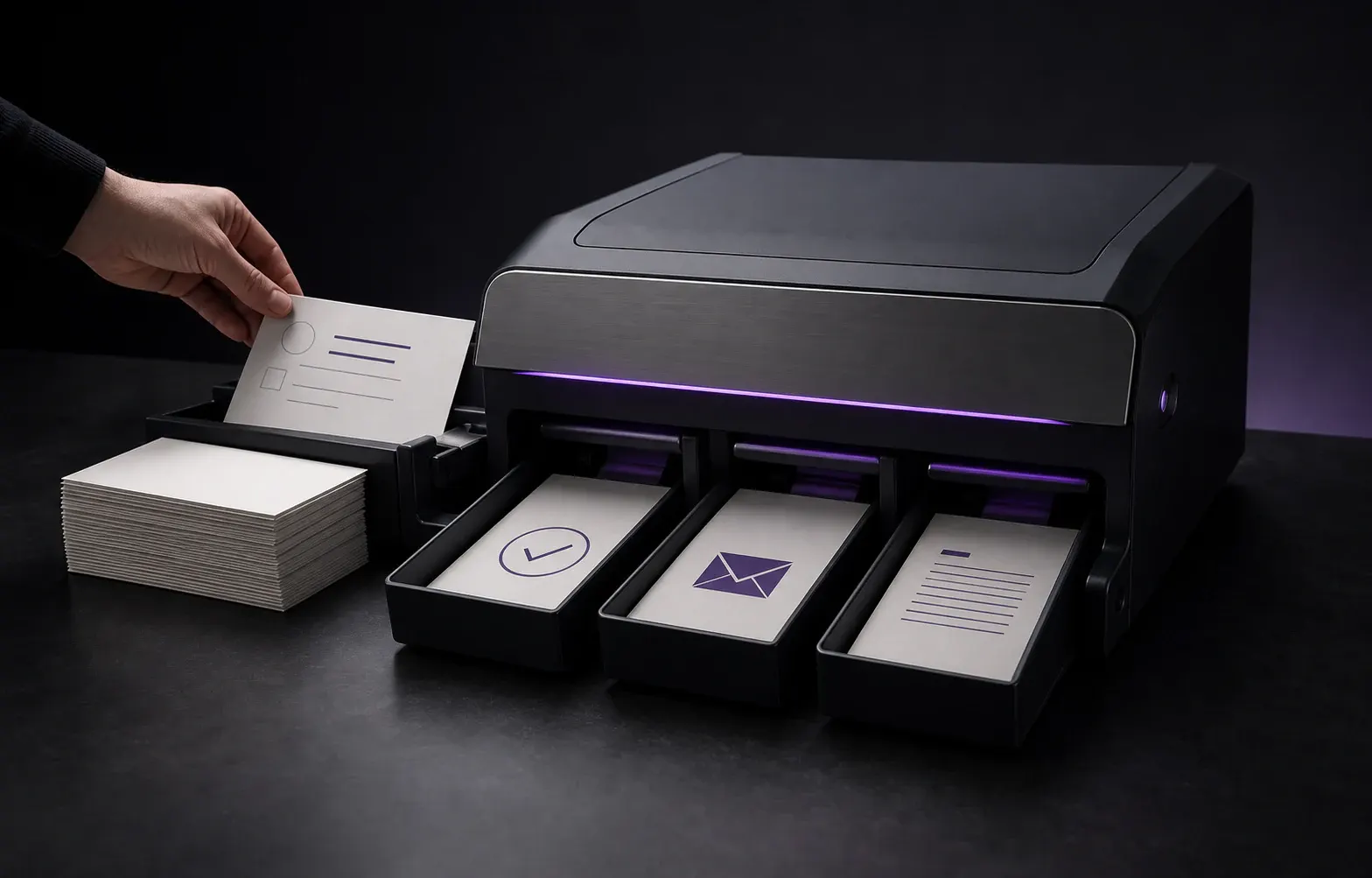
Keep Work Moving
Without Constant Reminders
Stop interrupting your team for the same reports, lead checks, content handoffs and internal tasks. We connect the right triggers to routine work so it gets completed automatically while you keep control.
Automation Modules
Core Delivery Modules
Lead Qualification Workflow
Automation rules that classify incoming leads by source, behavior and form data before they reach the team.
Reporting Automation
Periodic reports, dashboard updates and team notifications moved from manual work to automated triggers.
Task Assignment System
Rule-based assignment flows that route incoming work to the right person on sales or support teams.
Integration Bridges
Data bridges built between CRM, forms, email, WhatsApp and analytics platforms.
Notification and Trigger System
Instant notification flows for critical events, lead status changes and task delays.
Automation Health Monitoring
Regular monitoring of running flows: trigger counts, error logs and overall system health.
Why This Approach?
The Operational Layer That Makes the Difference
Process-first, not tool-first
The problem is rarely missing tools. It is disconnected processes. We connect the right triggers to the right actions.
Runs on top of existing systems
This service does not replace CRM setup or RevOps consulting. It builds automation flows on top of what you already have.
Fits how your team works
Flows are built, tested and handed over in a way that fits how the team already operates.
Measurable efficiency gains
Success/failure metrics, retry policies and alert thresholds are defined for every workflow.
Security and observability
Trigger counts, error logs and overall system health are monitored and reported regularly.
How automation packages are planned
Packages are shaped by which processes are ready for automation, not by tool count. Scope is finalized during the process discovery call.
Package 1
Lead Acceleration
Connects lead assignment, qualification and first-response flows to automated triggers.
Package 2
Reporting
Delivers team reports, channel performance and task status through automated flows.
Package 3
Full Flow
A comprehensive automation architecture running across multiple tools and channels.
How We Work
Automation System in Three Steps
Process Discovery
We map which tasks repeat, which tools are in use and where automation opportunities exist.
Flow Design
Triggers, conditions and actions are designed together. Integrations are planned before anything is built.
Deployment
Flows are built, tested and handed over in a way that fits how the team already works.
Measurement and Iteration
Success/failure metrics are defined for every workflow, and approved patterns are rolled out to other departments.
Real client result · Education & Long-horizon SEO
From 3 Organic Clicks to 954 in a Year
Organic Clicks
Queries on Page 1
Average Position
GoFluent Academy — A language school built from zero: 604 queries on page one, average position 20.8 → 8.7, and cited in AI Overviews ahead of EF and Berlitz.
Read the case studyAll case studiesFrequently Asked Questions
Do I need a CRM before starting automation?
Is this the same as CRM consulting?
Which tools do you work with?
How long does it take to set up automation?
Will it work with my existing CRM?
If Your Team Spends Time on Repetitive Tasks
In a process discovery call we identify which workflows are ready to automate and where to start.
Related Services
AI & Revenue Systems
The family structure that connects automation to the revenue process.
Clinic CRM and WhatsApp Automation
The main standalone service for lead management infrastructure.
AI Voice Agents
The voice-based AI intake layer for first response and pre-qualification.
Growth Systems
The conversion and growth layer that automation feeds.